Il1 0O
Atkinson Hyperlegible
Everything a shopper has to read. The Braille Institute drew it to separate the characters low vision readers confuse. The reading face is doing real work here, not setting a mood.
Where this started
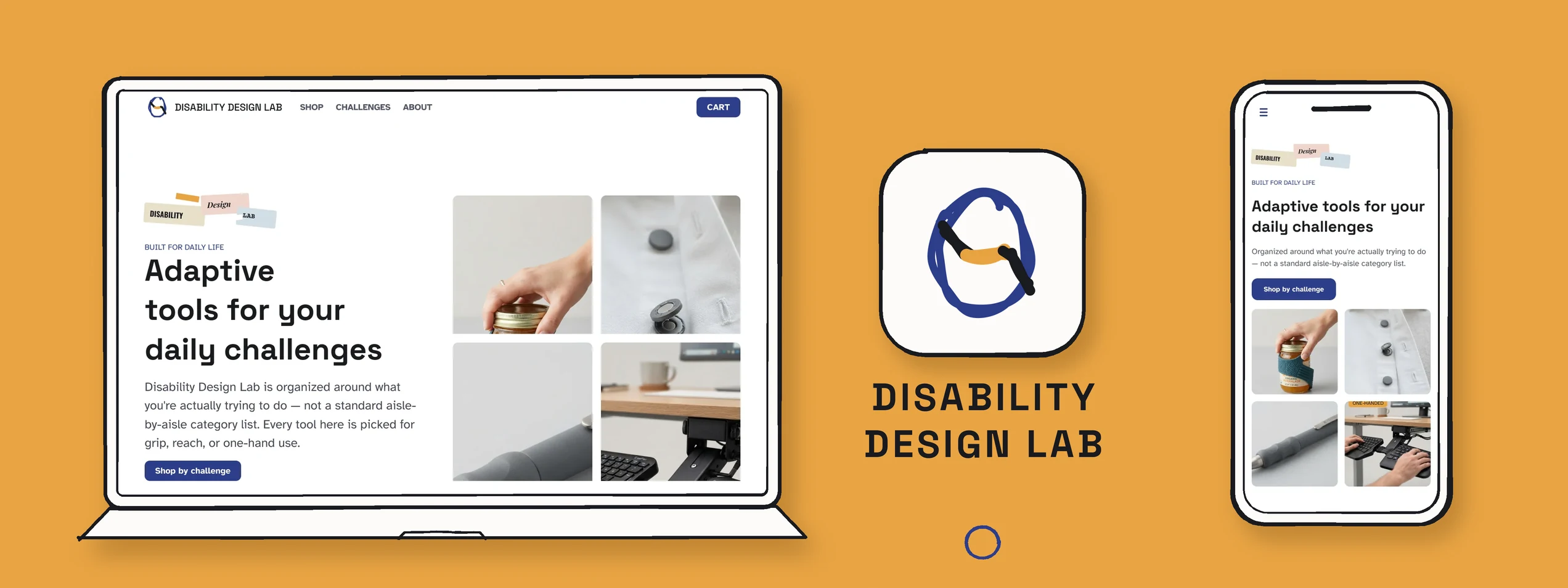
A concept store for adaptive tools (grips, openers, fasteners, writing aids), organized by the daily challenge they solve rather than by product category. My midterm for SI 407 at the University of Michigan School of Information, designed against an assigned visual direction of "Experimental & Raw." The catalog and prices are invented for the project; the design system behind them is not.
Adaptive tools are usually sold the way hardware is sold: by category, by material, by brand. But nobody wakes up needing a silicone grip. They wake up unable to open a jar. I am designing for adults whose grip, reach or dexterity has changed, from arthritis, tremor, stroke or using one hand, and for the people buying on their behalf: family caregivers and occupational therapists. I had no user research for this project, so I assumed that group skews older and that a lot of them have some vision loss too, and designed for low vision reading from the start rather than treating it as a pass at the end. Those are assumptions, and I have labelled them that way everywhere on this page rather than dressing them up as findings.
How might I design a store where someone whose grip has changed can find a tool by naming the task that got hard?
What I think about this stageThe brief said "Experimental and Raw", and my first instinct was to make everything rough, including the buttons. That is the trap. Rough chrome reads as personality; a rough control reads as broken, and for an audience with low vision it reads as nothing at all.So the aesthetic lives entirely on the parts you do not have to operate.I think most of the visual work I am proud of came out of that one line being drawn early.
The three decisions that shaped everything else
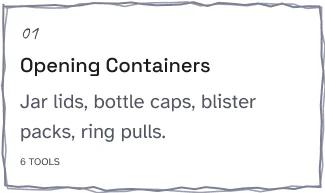
Four challenges lead the homepage and the nav: Opening Containers, Getting Dressed, Writing & Drawing, Navigating Your Workspace. My assumption is that people arrive naming the task that stopped working, not a product type. Shop all is still there, as the second way in.
Atkinson Hyperlegible sets everything a shopper has to read. The Braille Institute drew it to separate the characters low vision readers confuse. Space Grotesk is limited to headings and short labels, so the aesthetic never touches the sentence someone reads to decide whether a tool fits their hand.
Every hand drawn mark sits on the chrome (card outlines, chips, dividers, the rule under a heading), and each stroke is genuinely wobbled geometry drawn in two offset passes. NN/g warns that neobrutalism can strip the affordances that signal what is a control, so the controls and the copy stay conventional.
Final design
Every frame is real Auto Layout and sets all three variable modes, so the 393px column is the desktop page reflowing rather than a second drawing of it. Click any screen for the full length.
What I think about this stageDrawing the mobile screen separately is the shortcut everybody takes, and it is how the two versions start disagreeing about what the product is. Making the 393px frame the same frame, reflowing, costs more up front and is the reason these eight pages stayed consistent while I changed my mind about the catalogue three times.If the phone layout is a second drawing, it is a second product.
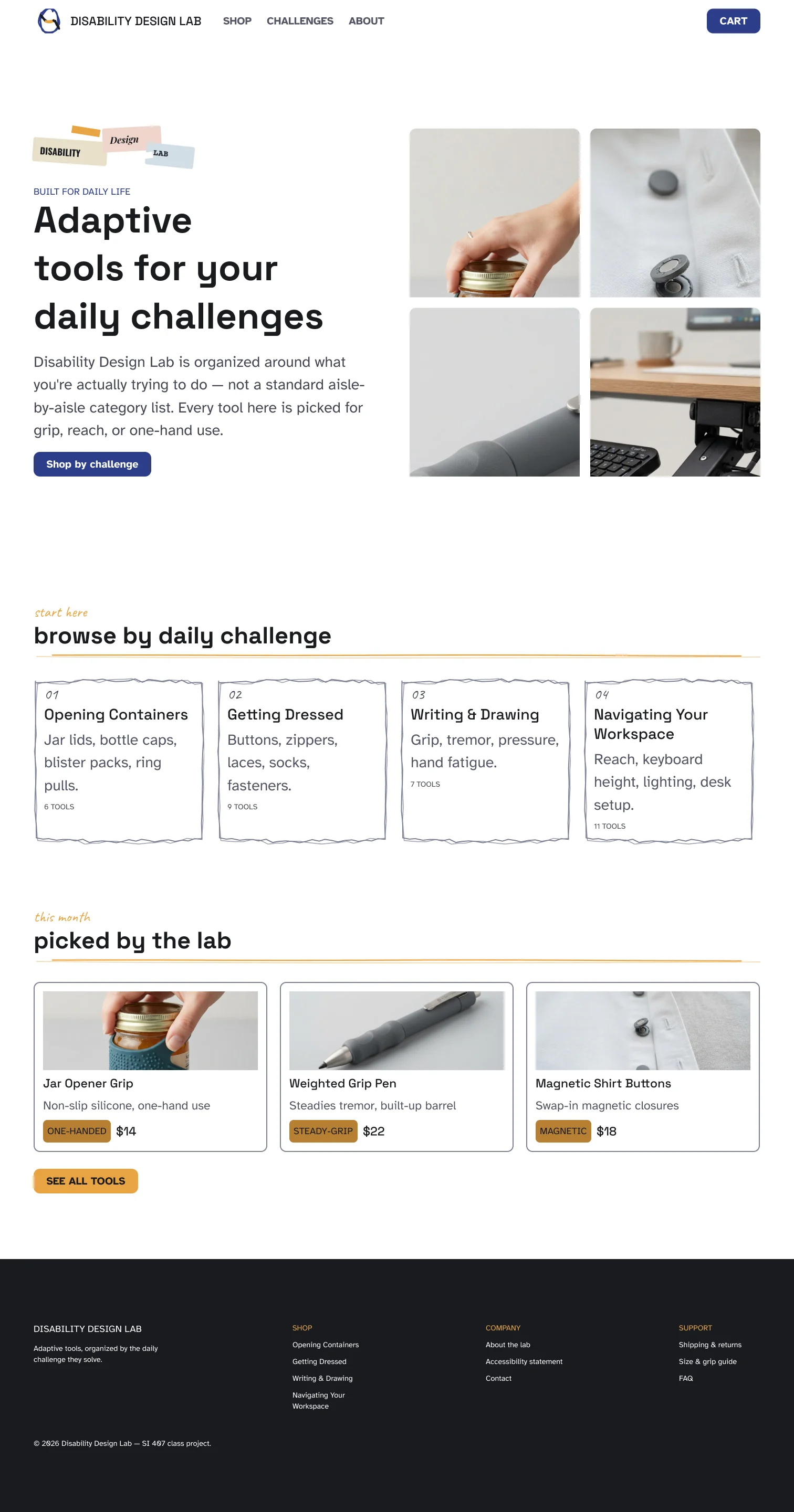
Leads with the four challenges
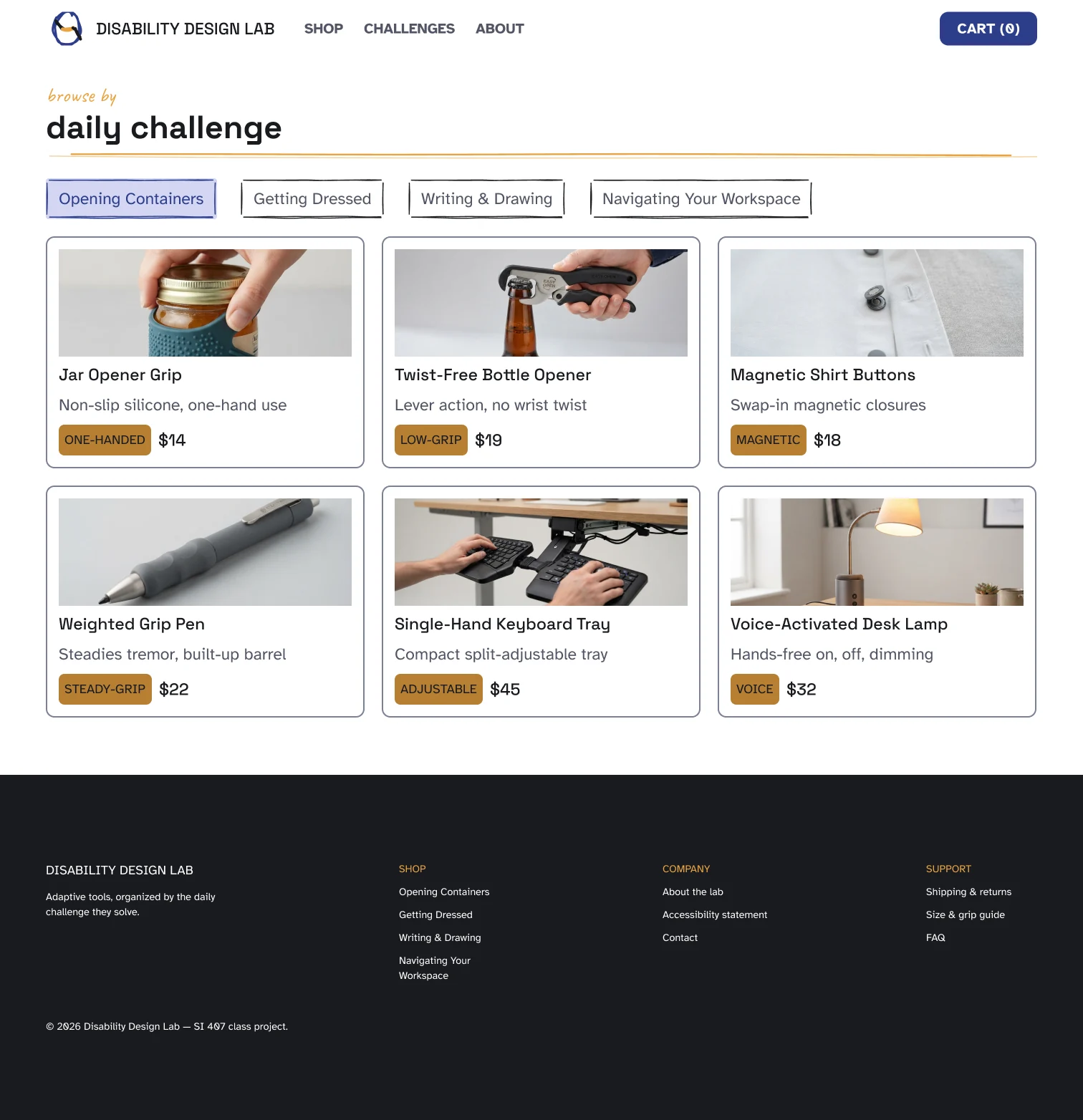
Filter sidebar, grid three wide
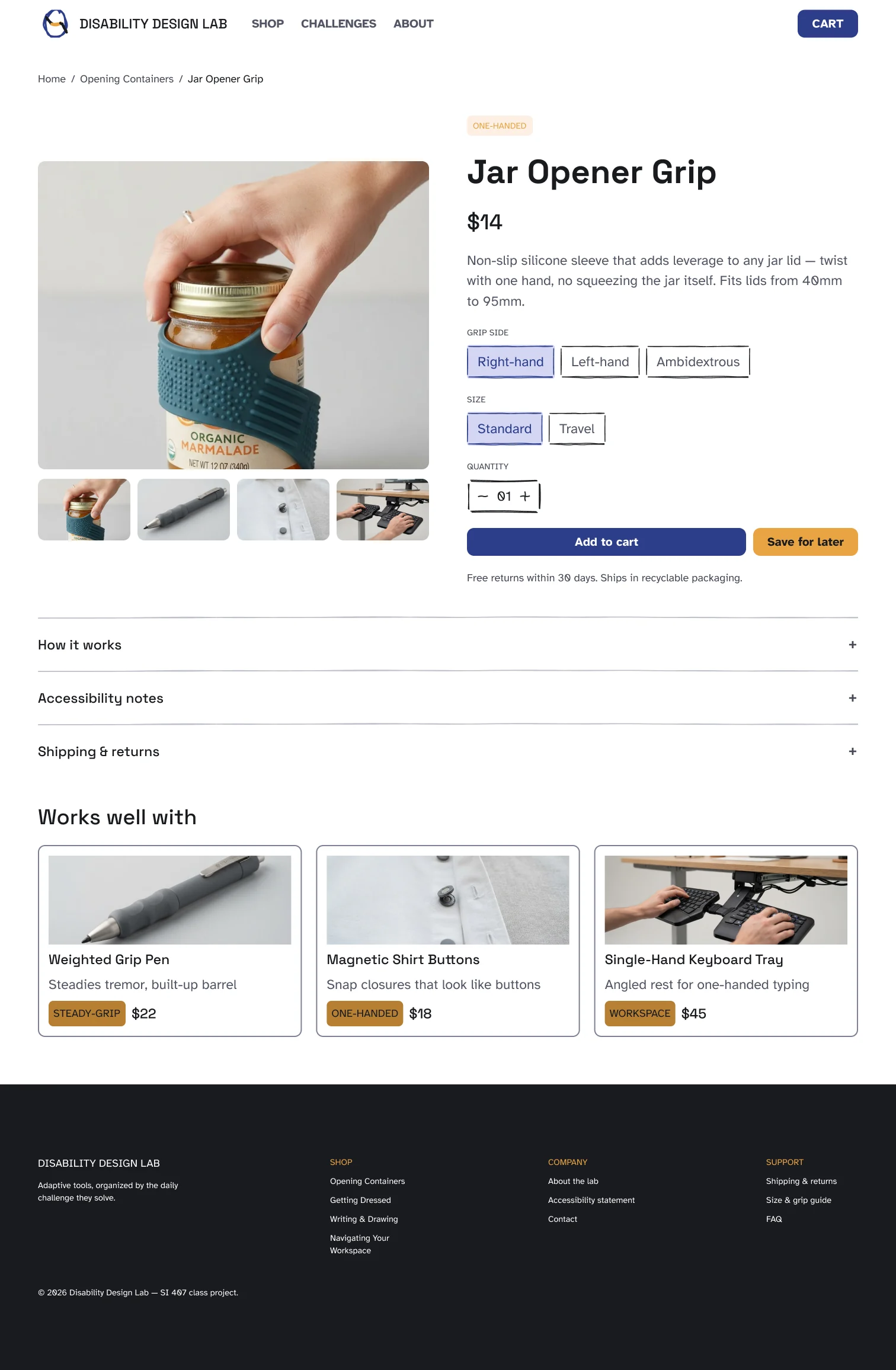
Variant chips, stepper, disclosures
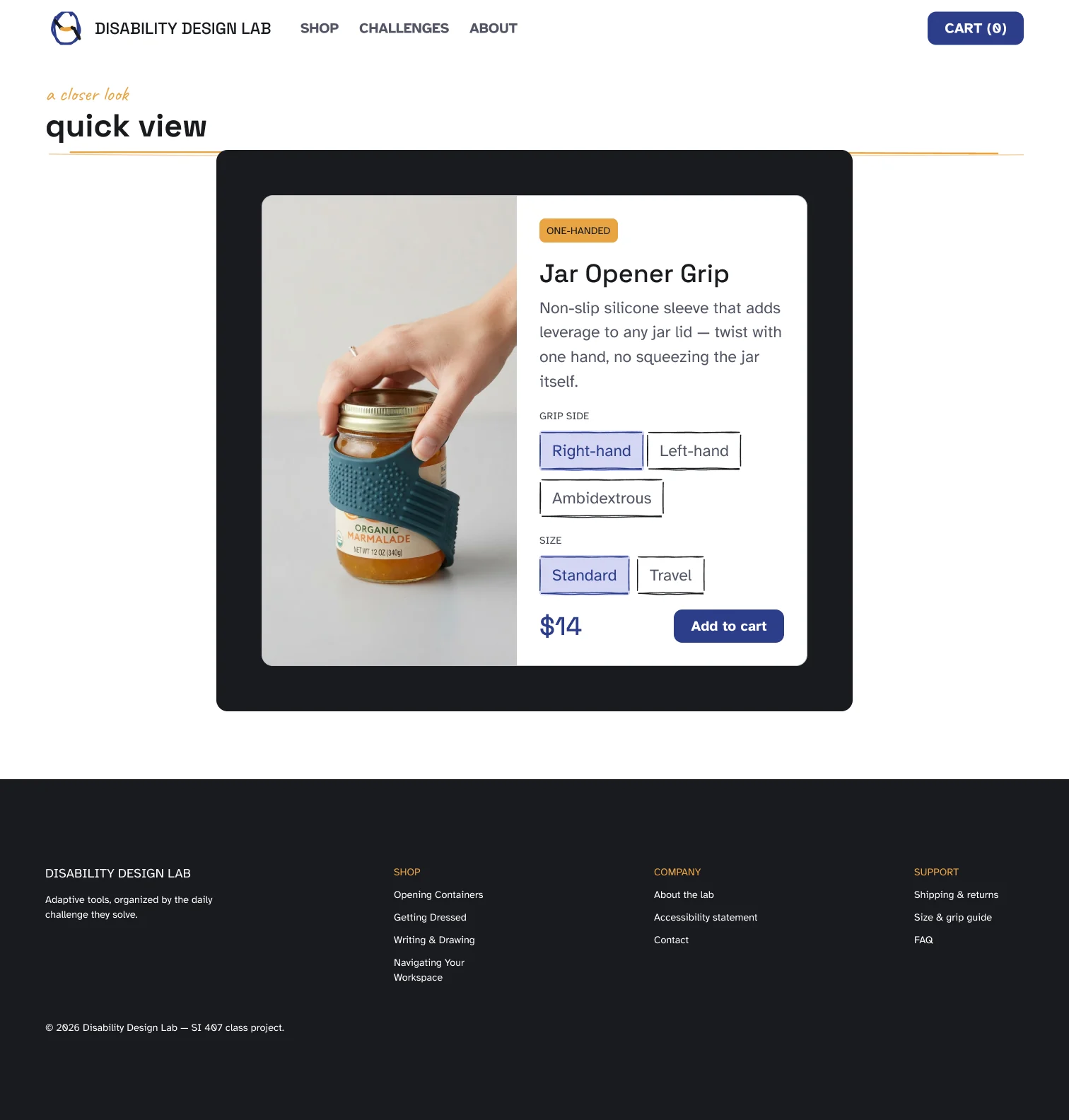
A modal on a dimmed page
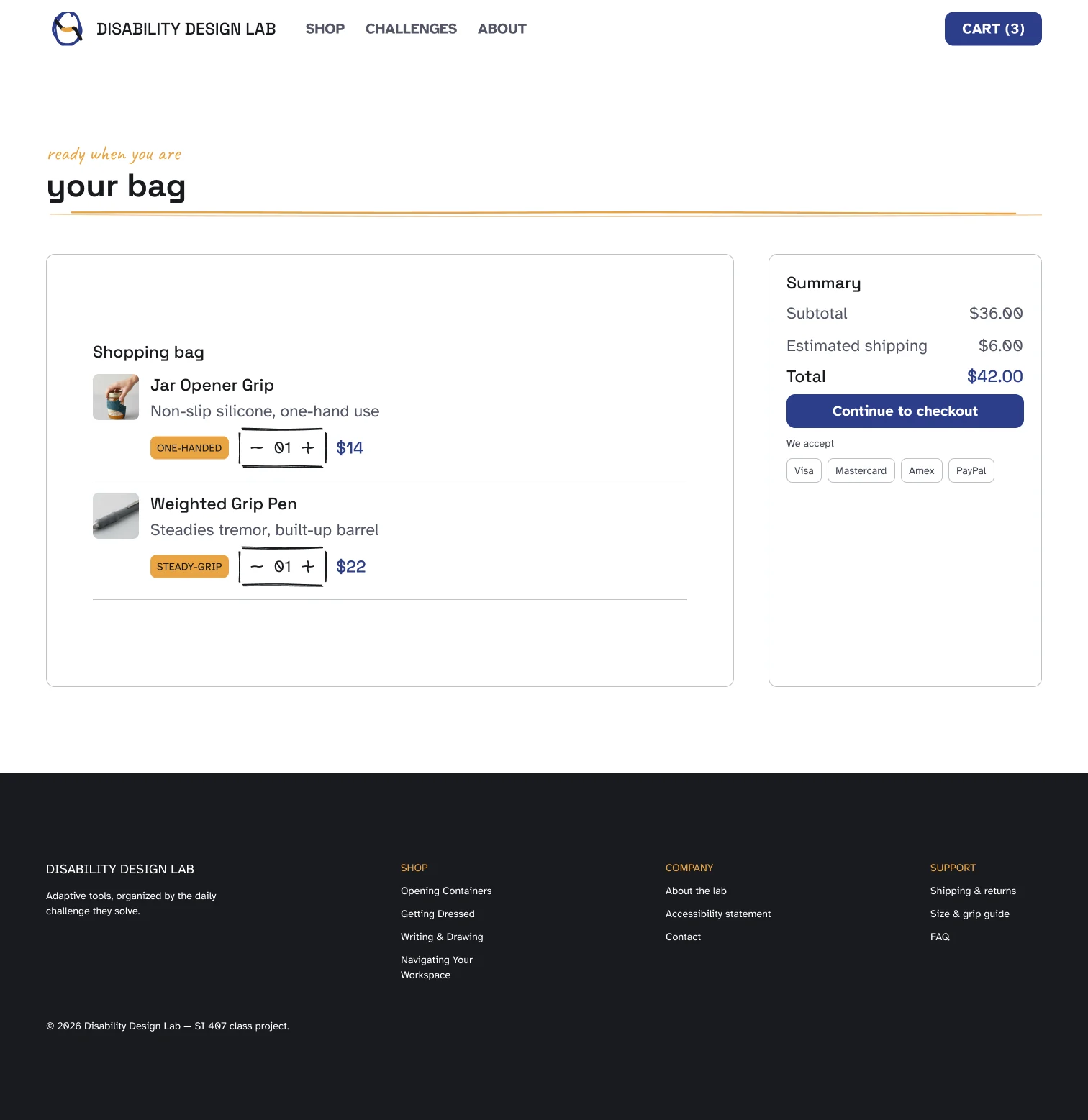
Line items beside a running total
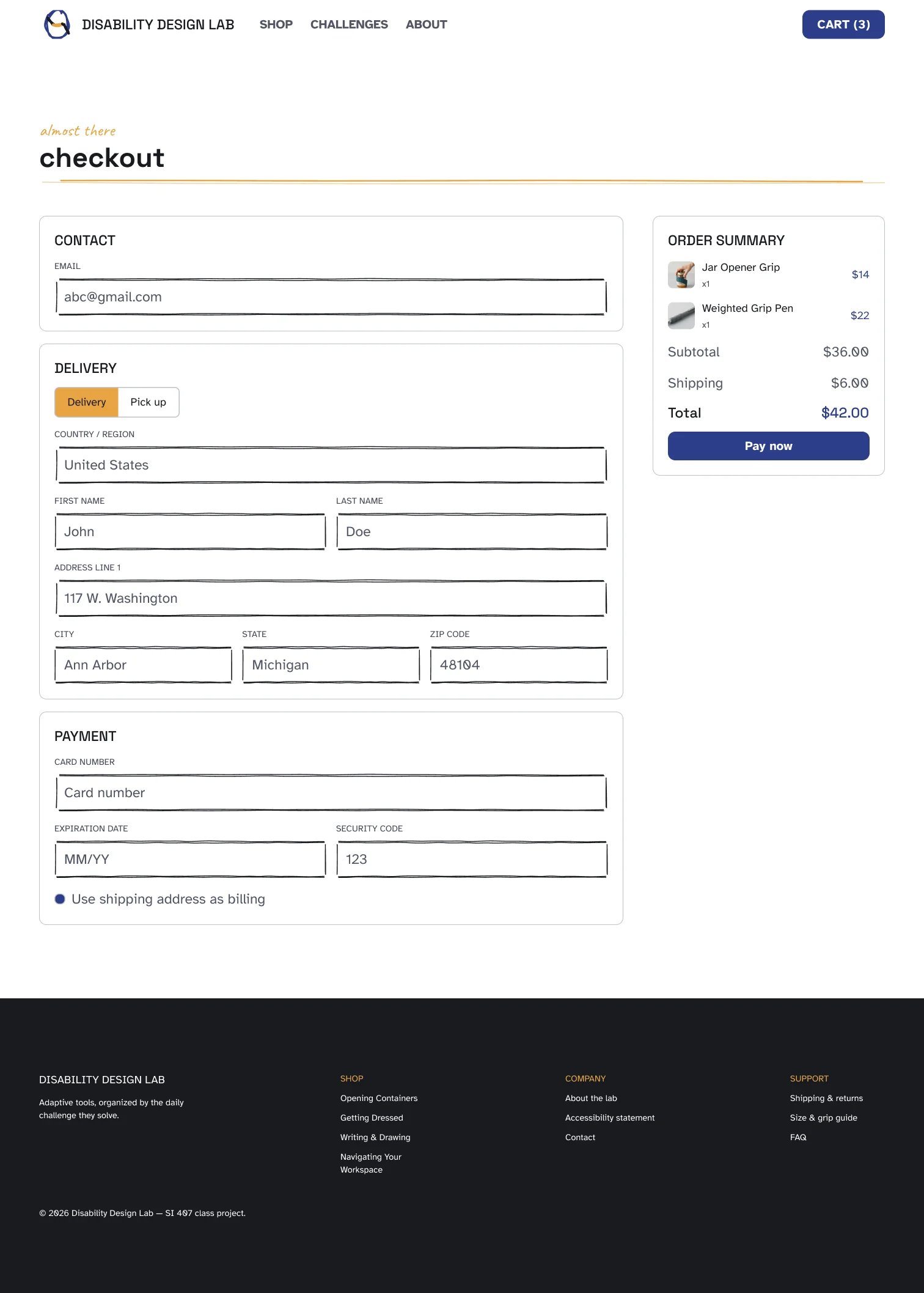
No account required
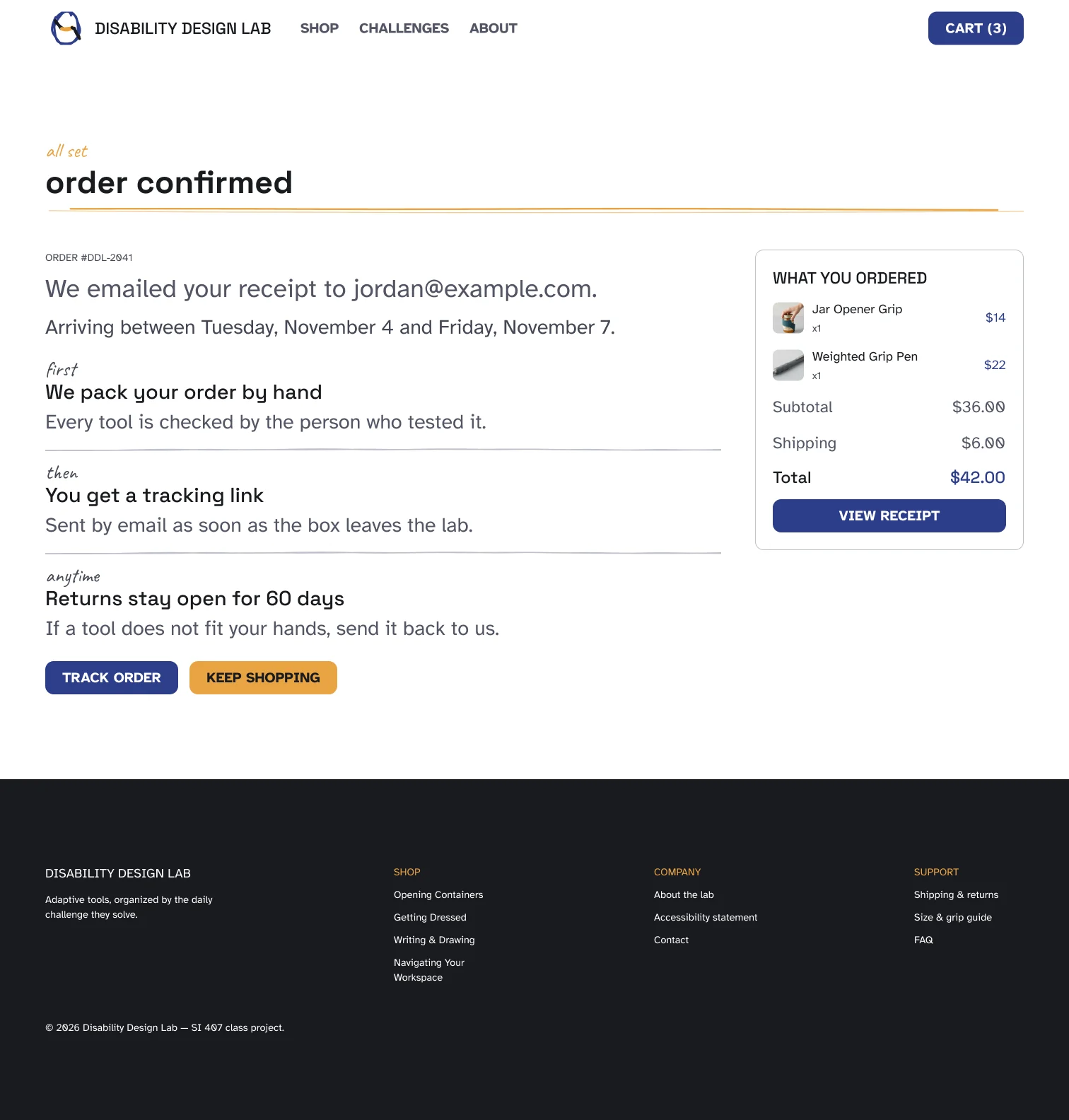
Same arithmetic as the cart
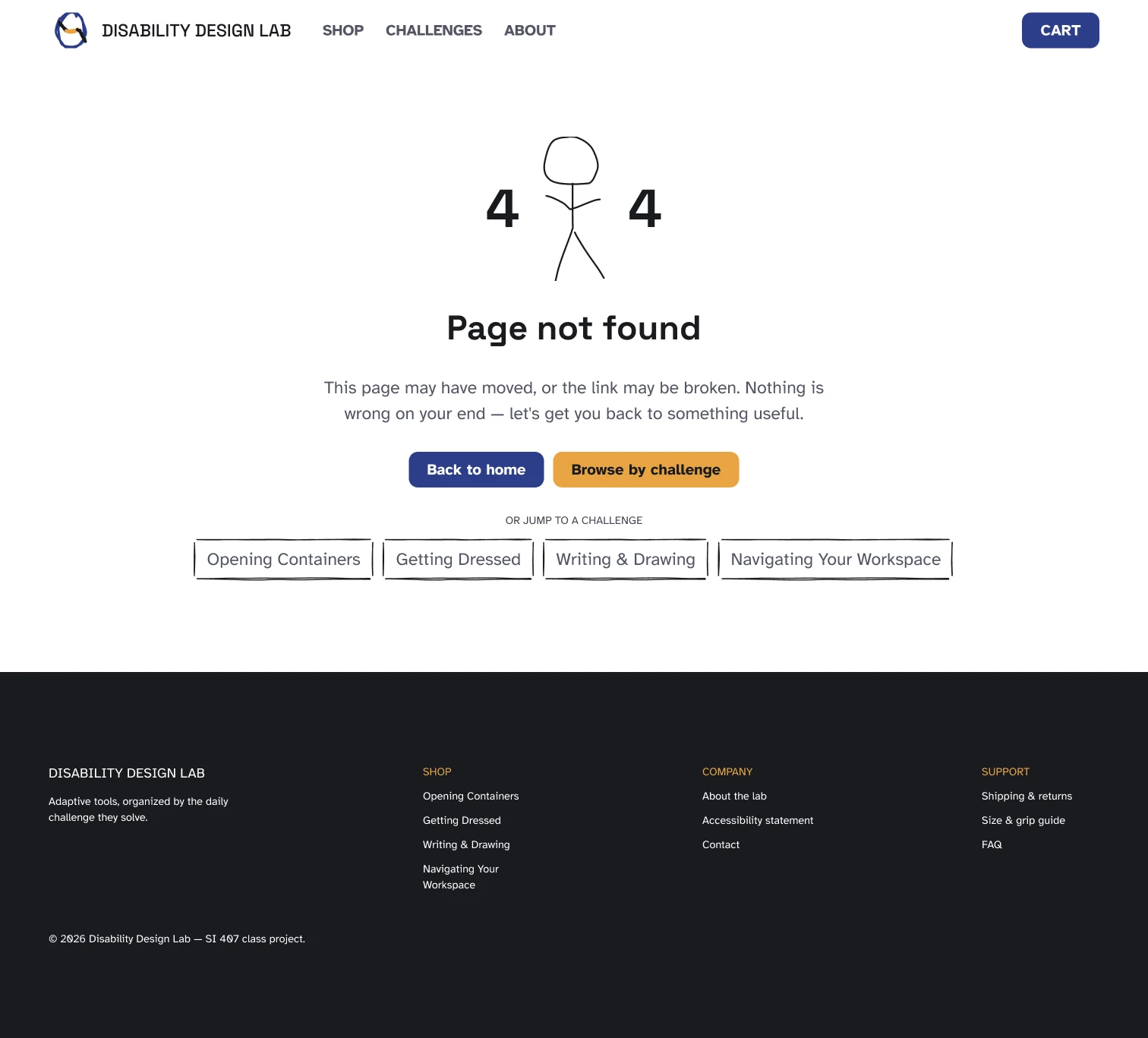
The hand drawn mascot, between the fours
The same eight at 393px

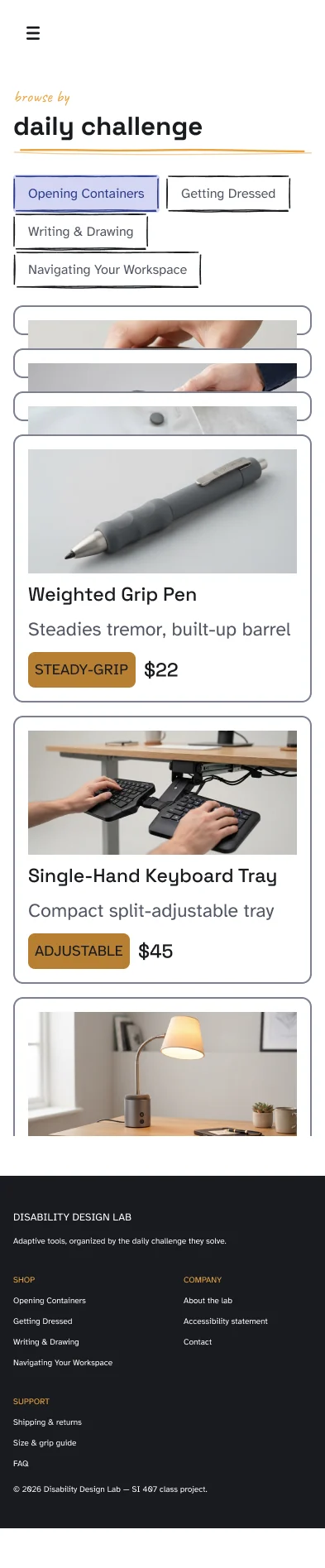

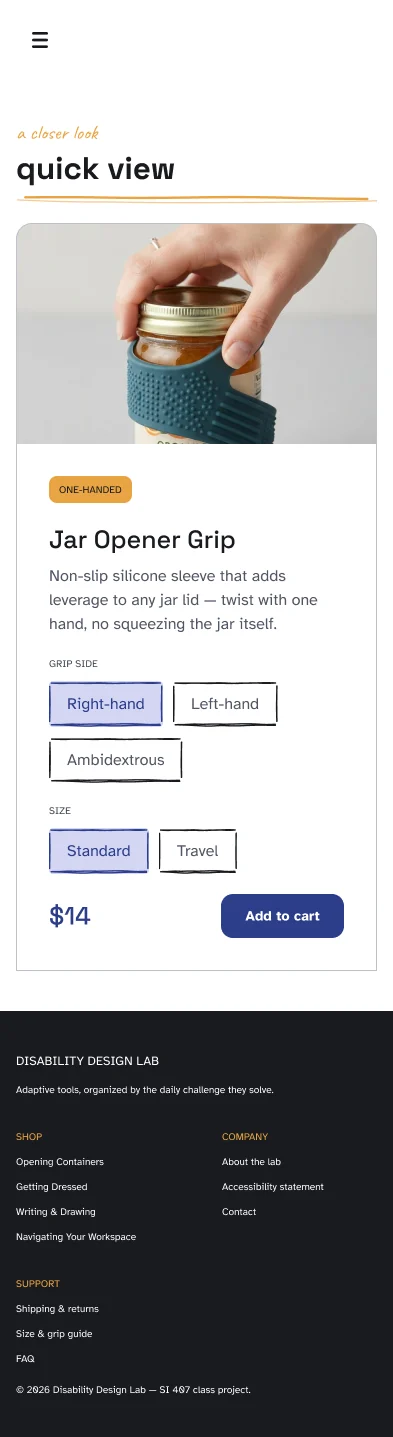
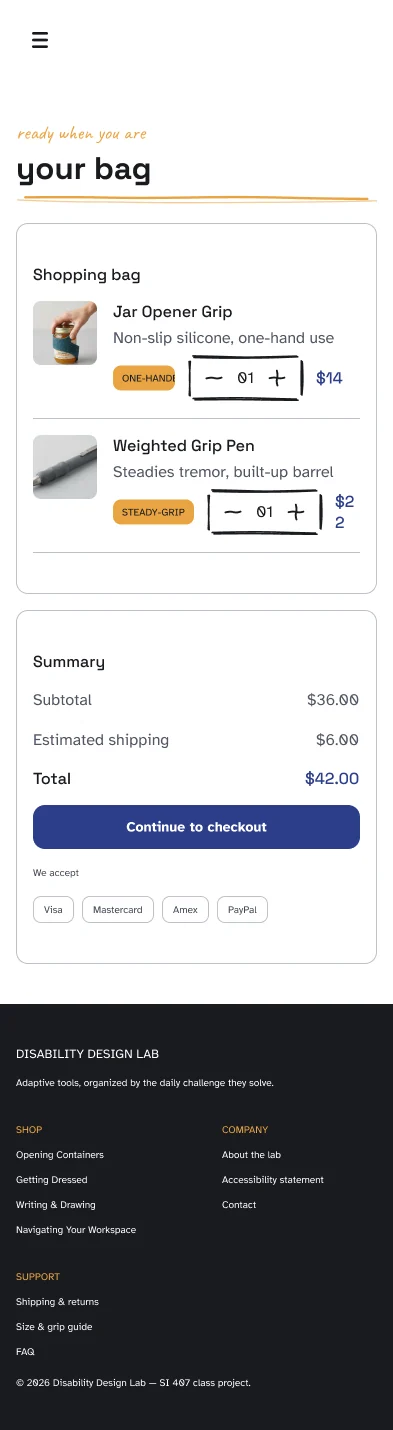

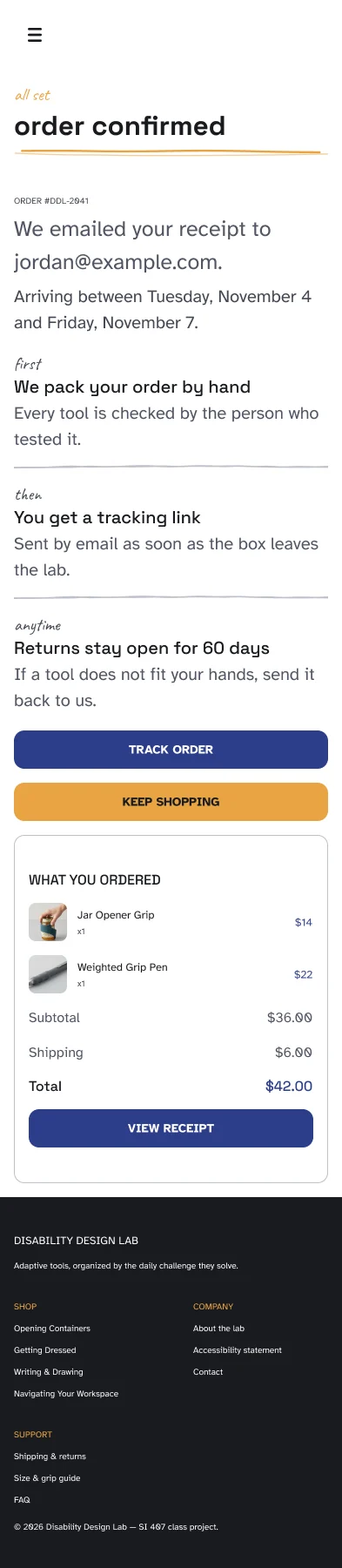
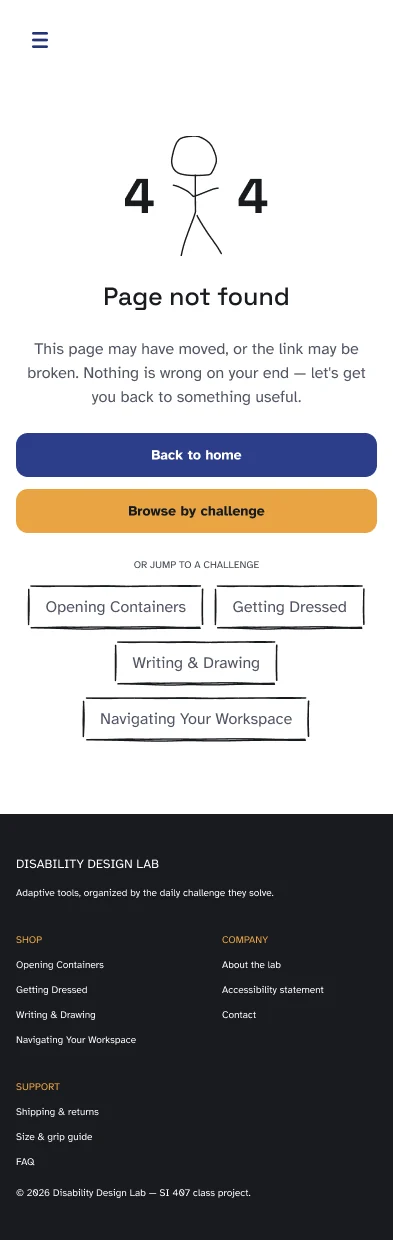
The same screens rebuilt in Figma Make as a working site: real navigation, a cart that adds up, a checkout that submits. It loads on click, so nothing from Figma runs until you ask for it.
Hosted by Figma, so it can be slow to wake up. Open it in its own tab instead if it does not appear.
The design system
Primitives hold the raw values, and nothing in a screen points at them if a token exists. Tokens alias the greyscale into surfaces, borders, text and radii, with a Light and a Dark mode. Semantics resolve the same ten names into a different family per mode. Typography and Responsive Variables carry the breakpoints. Everything below is the file's real contents, switch the modes and the values change the way they do in Figma.
Collection 01 · 67 variables · 1 mode
Five families, each a full 50–950 scale, plus a small set of raw numbers for spacing and radius. Nothing in a screen is allowed to point here once a token or a semantic exists for the job.
What I think about this stageA design system is only worth the trouble if you are strict about the layer rule, and being strict is annoying every single time. Pointing a card at a raw hex takes two seconds and pointing it at a token takes a minute of naming. I kept doing the slow one, and the payoff was that switching the whole file to Dark mode was one setting rather than a day of work.Discipline early is just speed later, spent in advance.
Primary. Every action, link and selected state.
Secondary. Attention only: badges, tape, the rule under a heading.
Everything else. Surfaces, borders and all four text roles alias into this.
Reached only through Semantics, in its Success mode.
Reached only through Semantics, in its Error mode.
Three loose paper colors for the torn collage wordmark, plus the numbers the radius tokens alias into. Value/full is 10,000, which is a pill at any size.
Value/null · 0Value/4Value/8Value/12Value/16Value/24Value/32Value/full · 10000Collection 02 · 22 variables · Light / Dark
The greyscale, aliased into the four jobs a neutral actually does, with a second mode that flips the whole ramp. The footer is the one place Dark is used in anger. It carries Tokens: Dark at the component level, which is what makes it dark wherever it is placed.
Weighted Grip Pen
Text/body, a wider barrel steadies the line.Weighted Grip Pen
Text/body, a wider barrel steadies the line.| Token | Aliases to | Resolves to |
|---|---|---|
default | Greyscale/0Greyscale/950 | #ffffff#191a1f |
subtle | Greyscale/50Greyscale/900 | #efeff2#1b1c20 |
elevated | Greyscale/200Greyscale/800 | #bfc0ca#26272e |
disabled | Greyscale/300Greyscale/700 | #9fa2b1#353740 |
inverted | Greyscale/950Greyscale/0 | #191a1f#ffffff |
| Token | Aliases to | Resolves to |
|---|---|---|
default | Greyscale/200Greyscale/700 | #bfc0ca#353740 |
disabled | Greyscale/300Greyscale/600 | #9fa2b1#444754 |
darker | Greyscale/400Greyscale/500 | #7c8094#525564 |
| Token | Aliases to | Resolves to |
|---|---|---|
title | Greyscale/950Greyscale/0 | #191a1f#ffffff |
subtitle | Greyscale/700Greyscale/200 | #353740#bfc0ca |
body | Greyscale/500Greyscale/100 | #525564#e0e1e6 |
caption | Greyscale/600Greyscale/300 | #444754#9fa2b1 |
negative | Greyscale/0Amber/950 | #ffffff#201203 |
disabled | Greyscale/100Amber/900 | #e0e1e6#342208 |
| Token | Aliases to | Shape |
|---|---|---|
sharp | Value/null | |
xs | Value/4 | |
sm | Value/8 | |
md | Value/12 | |
lg | Value/16 | |
xl | Value/24 | |
xxl | Value/32 | |
rounded | Value/full |
Collection 03 · 10 variables · 4 modes
Ten names that mean different colors depending on the mode a node is in. An indigo button and an amber badge are the same Surface/default. The difference is one mode set on the node, which is why a brand color change is a mode switch rather than a sweep.
| Variable | Primary | Secondary | Success | Error |
|---|---|---|---|---|
Surface/subtle | Cobalt Indigo/100 | Amber/100 | Green/100 | Red/100 |
Surface/light | Cobalt Indigo/400 | Amber/400 | Green/400 | Red/400 |
Surface/default | Cobalt Indigo/500 | Amber/500 | Green/500 | Red/500 |
Surface/darker | Cobalt Indigo/600 | Amber/600 | Green/600 | Red/600 |
Border/subtle | Cobalt Indigo/100 | Amber/100 | Green/100 | Red/100 |
Border/light | Amber/400 | Cobalt Indigo/400 | Green/400 | Red/400 |
Border/default | Cobalt Indigo/500 | Amber/500 | Green/500 | Red/500 |
Border/darker | Cobalt Indigo/600 | Amber/600 | Green/600 | Red/600 |
Text/label | Cobalt Indigo/500 | Amber/500 | Green/500 | Red/500 |
Text/white | Greyscale/0 | Greyscale/0 | Greyscale/0 | Greyscale/0 |
Collection 04 · 32 variables · Mobile / Tablet / Desktop
Sixteen published text styles, each bound to a font-family, font-size and line-height variable rather than carrying its own numbers, so switching the mode changes the variables underneath, not the styles. All sixteen are below, set in the real faces, including the six steps no frame ended up needing. A scale with holes in it is not a scale.
Find it by the task
Browse by challenge
Opening Containers
$22.00
What comes in the box
Weighted Grip Pen
A store you enter through the task, not the taxonomy.
A wider barrel and a weighted base steady the line.
Works with either hand. Dishwasher safe.
GRIP SIDE
ONE-HANDED
DISHWASHER SAFE
Add to cart
Add to cart
Add to cart
tested by the people who need it
Il1 0O
Everything a shopper has to read. The Braille Institute drew it to separate the characters low vision readers confuse. The reading face is doing real work here, not setting a mood.
Aa Gg
Headings and short labels only, where words are set large and read in a glance and the quirks cost nothing.
4 left · $22
The annotation voice: eyebrows, counts, a price on a card. One style, bound to the P2 size variable, and barred from body and heading copy.
Collection 05 · 10 variables · Desktop / Tablet / Mobile
The whole collection, breakpoints as data. The three Nav/ booleans are what collapse the nav, so the mobile nav is the same component in a different mode rather than a second component.
| Variable | Desktop | Tablet | Mobile |
|---|---|---|---|
max-width | 1512 | 768 | 393 |
section-max-width | 1384 | 682.66 | 361 |
horizontal-margin | 64 | 32 | 16 |
vertical-margin | 120 | 64 | 40 |
section-gap | 48 | 32 | 16 |
footer-min-width | 148 | 78.93 | 38.54 |
Nav/Logo | full | full | logomark |
Nav/has-links | true | false | false |
Nav/has-nav-buttons | true | false | false |
Nav/has-menu-icon | false | true | true |
The kit · 12 components
Five of these (the chip, stepper, form field, section head and divider) exist to make the hand drawn treatment instanceable instead of decorative. The accessibility rules live here too: every Button variant carries a 44px minimum height, and rebinding one label color took the amber button from 2.13:1 to 8.15:1 across all sixteen frames at once.
Four variant sets
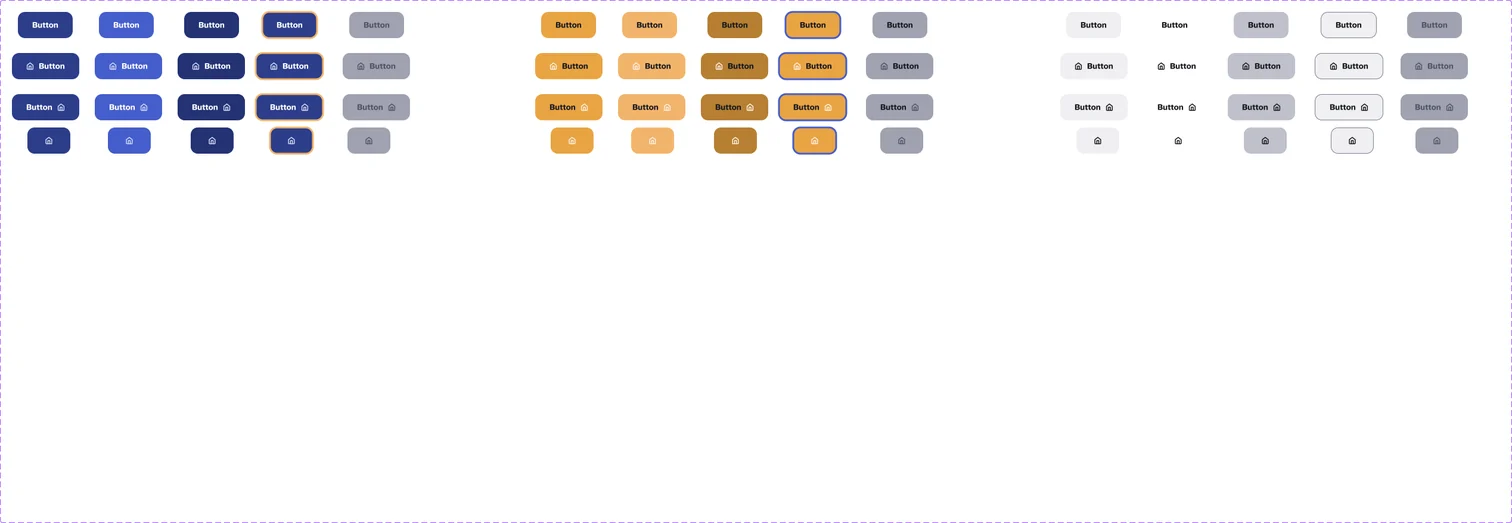
60 variants · Type × State × Style

State = Default / Hover / Sold Out / On Sale
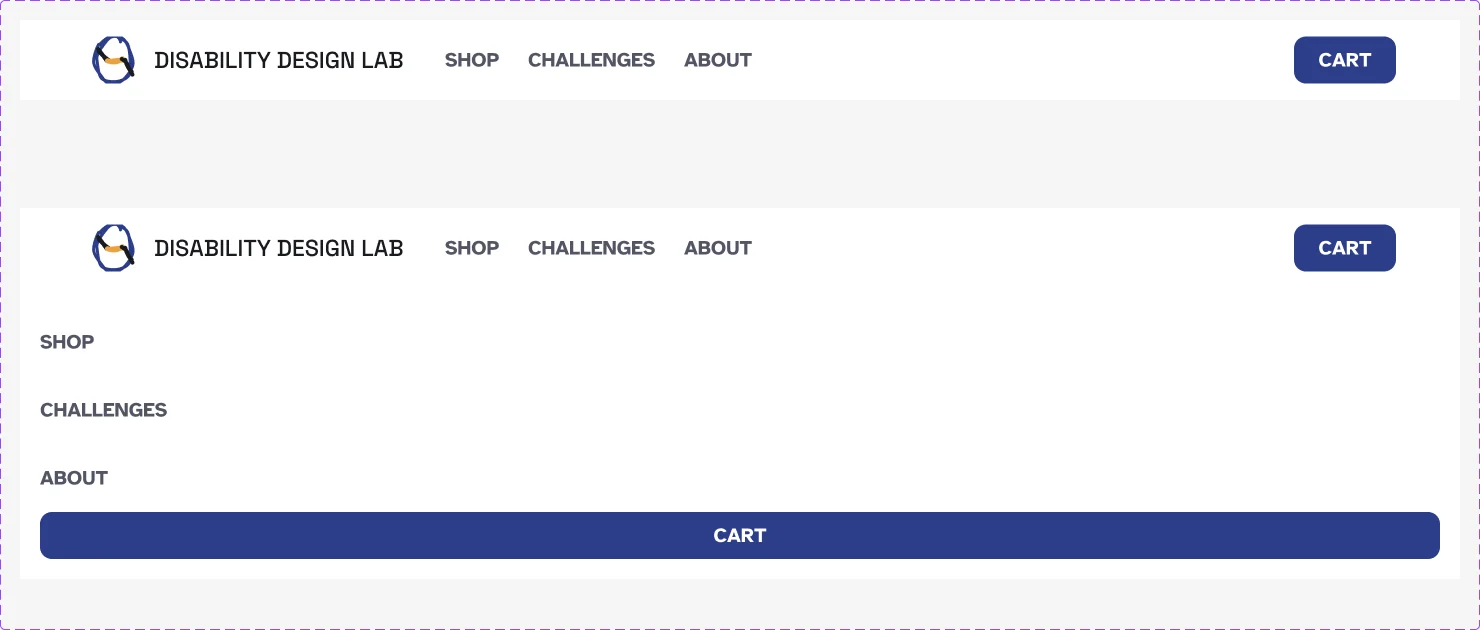
Menu = Open / Closed
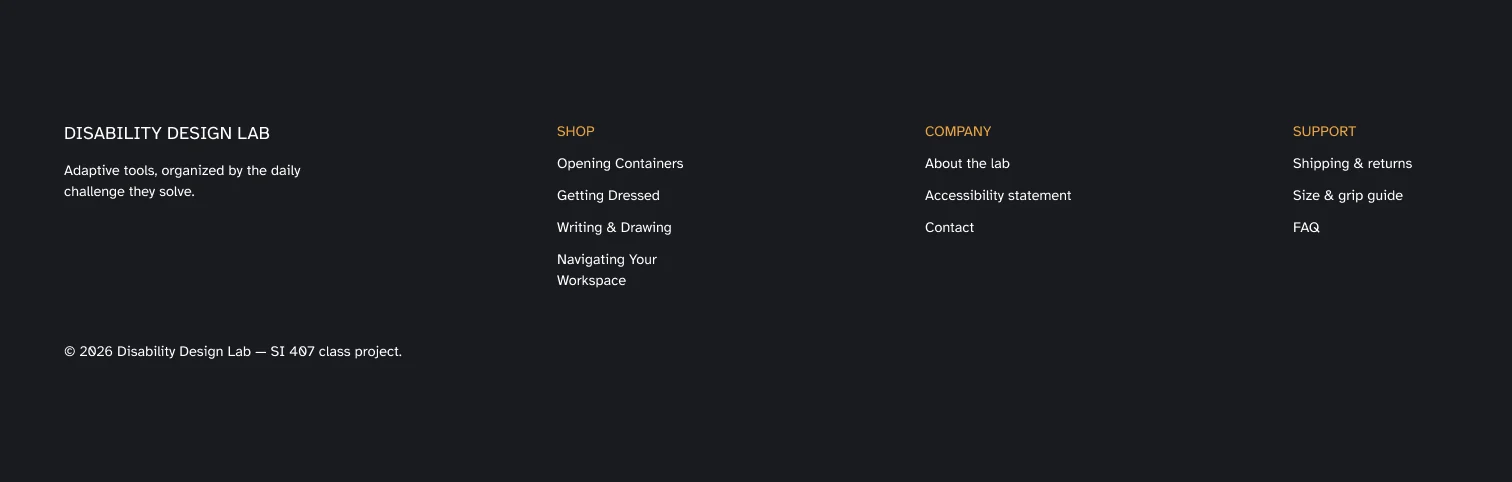
Component level Tokens: Dark
Eight singles
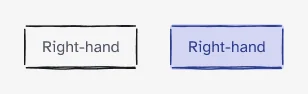
State = Default / Selected
Single component

Single component
Single component
Single component

Single component
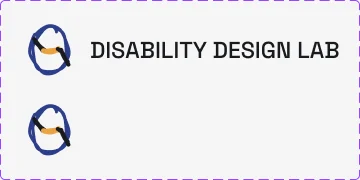
Type = Full / Mark

Stick Figure = Straight / Left / Right / Up
The thing I would take into any project after this one is that accessibility is cheaper when it is a constraint than when it is a correction. Picking Atkinson Hyperlegible and a 44px minimum target on day one cost me nothing; retrofitting either would have meant redrawing every screen. What I am missing is the part I could not do in a semester. None of this has been in front of a person whose grip has actually changed, and until it has, the whole organizing idea is a well argued guess. That is the first thing I would fix if this were real.